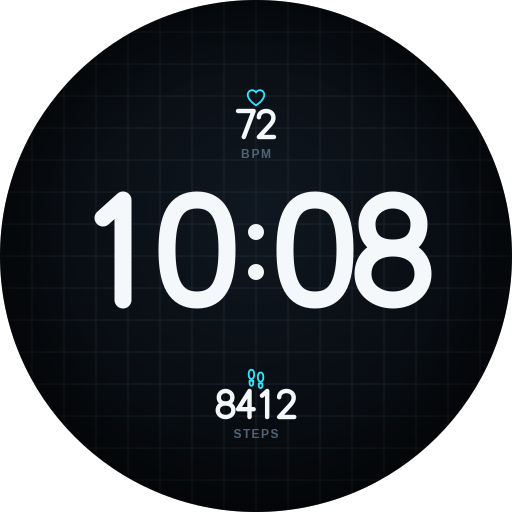
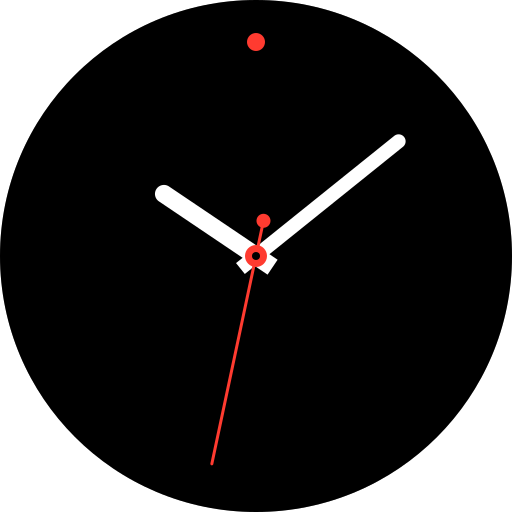
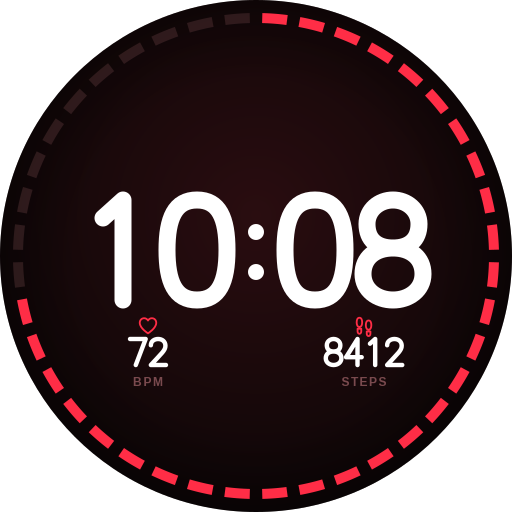
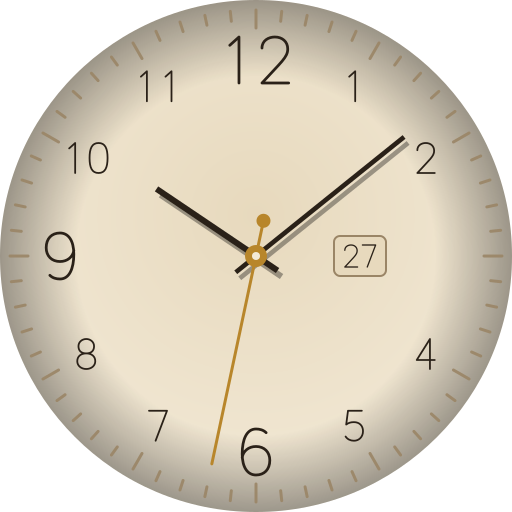
For Wear OS 6 and later
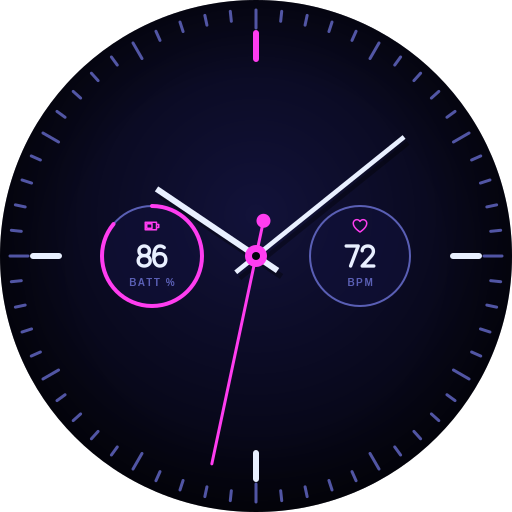
Watch faces for Wear OS, made to be worn.
Original analog, digital, minimal and sport faces with complications you choose. Free faces in every style, Premium from $0.49 a month.
One watch, every style
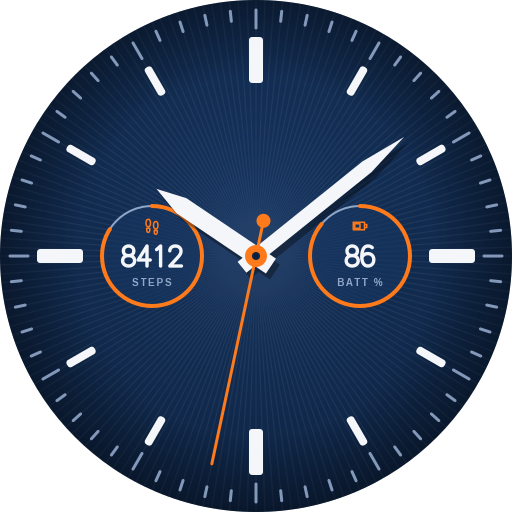
Change the whole look in a tap.
Six styles at launch and new faces every week. Each style has free faces to start with, and Premium unlocks the rest.
Make it yours
Your data, where you want it.
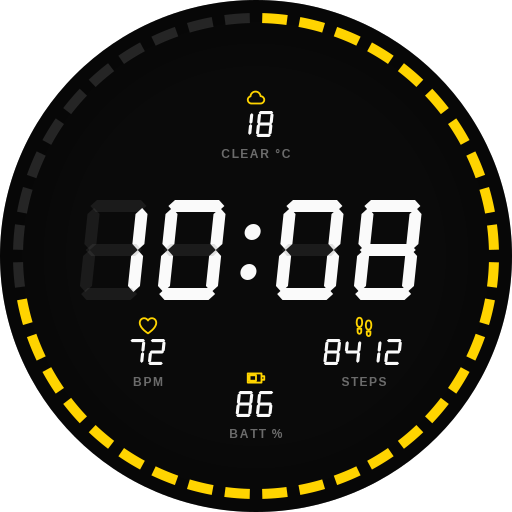
Every face is built in the Watch Face Format, so you customize it in the watch face editor that is already on your watch.
Complication slots
Put heart rate, steps, battery, weather, calendar or sunrise where you want them.
Colour themes
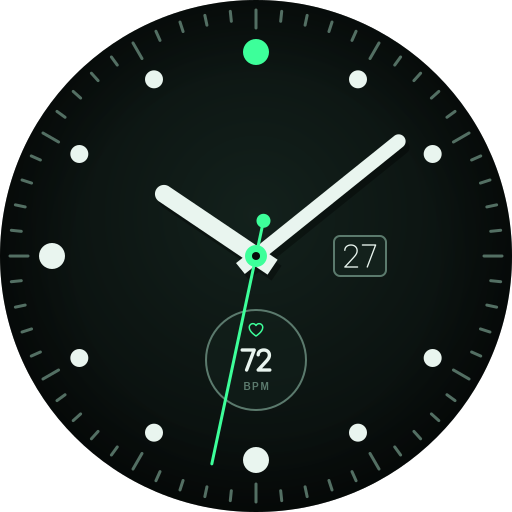
Most faces ship with six to fourteen themes, each tuned for OLED black.
Layout presets
Switch between a clean and a data-rich layout of the same face in one tap.
Always-on display
Bright when you look. Dark when you don't.
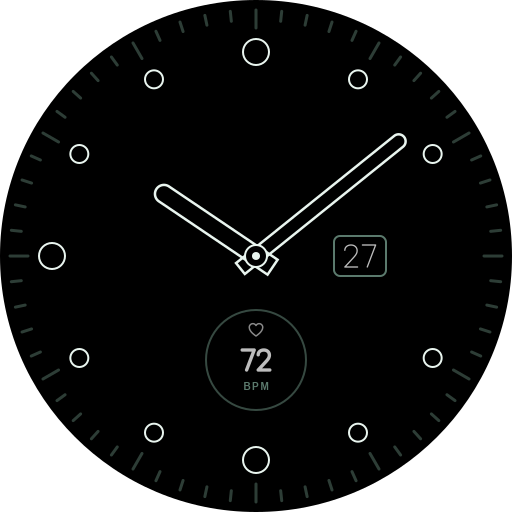
Every face has its own always-on version that keeps the time readable while lighting only a few pixels, so your battery lasts the day.
How it works
From phone to wrist in three taps.
Pick a face on your phone
Browse by style, colour and data in the WatchFace Pro app.
Tap Install
The face is sent to your watch over Bluetooth or Wi-Fi.
Wear it
It appears on your watch in seconds, ready to customize.
Works with
Made for the watches people wear.
Every face runs on Wear OS 6 or later, on round screens from 384 to 480 px.
Samsung
- Galaxy Watch9
- Galaxy Watch Ultra (2024, 2025)
- Galaxy Watch Ultra 2
- Galaxy Watch8, Watch8 Classic
- Galaxy Watch7
- Galaxy Watch FE
- Galaxy Watch6, Watch6 Classic
- Galaxy Watch5, Watch5 Pro
- Galaxy Watch4, Watch4 Classic
Google
- Pixel Watch 5
- Pixel Watch 4
- Pixel Watch 3 (41 mm, 45 mm)
- Pixel Watch 2
OnePlus
- OnePlus Watch 4
- OnePlus Watch 3 (43 mm, 46 mm) (on Wear OS 6)
- OnePlus Watch 2, Watch 2R (on Wear OS 6)
Xiaomi
- Xiaomi Watch 5
OPPO
- OPPO Watch X3
- OPPO Watch X2, Watch X2 Mini (on Wear OS 6)
- OPPO Watch X (on Wear OS 6)
Motorola
- Moto Watch Ultra
Your phone
The phone app runs on any Android phone with Android 8.0 or later and Google Play, including Samsung, Google Pixel, Xiaomi, Redmi and POCO, OnePlus, OPPO, vivo, realme, Honor, Motorola, Nothing, Sony and Nokia.
Huawei phones sold since 2019 come without Google Play, so they cannot install the app. Honor phones with Google Play work. iPhone is not supported.
Watches that don't run Wear OS
Huawei and Honor watches run HarmonyOS or Honor's own system, not Wear OS, so no Wear OS face can install on them, from us or anyone else. The same goes for these watches:
- Huawei Watch GT, Watch 4 and 5, Watch Fit, Watch D, Watch Ultimate: HarmonyOS
- Honor Watch 4 and 5, Watch 5 Ultra, Watch GS, MagicWatch: Honor's own system
- Apple Apple Watch: watchOS
- Samsung Galaxy Watch3, Watch Active2 and older: Tizen
- Garmin Forerunner, Fenix, Venu, Vivoactive: Garmin's own system
- Amazfit GTR, GTS, Balance, T-Rex: Zepp OS
- Fitbit Versa, Sense: Fitbit OS
- Xiaomi Watch S series, Redmi Watch, Smart Band: Xiaomi's own system
- Motorola Moto Watch Fit, Moto Watch 120: Motorola's own system
- Budget fitness watches Noise, boAt, Fire-Boltt and similar: their own systems
If your watch is not on either list, check Settings, then System, then About on the watch. Any watch on Wear OS 6 or later works.
Watches on Wear OS 3 to 5, such as the first Pixel Watch, TicWatch and Fossil Gen 6, are not supported yet. See every watch
Brand and model names describe compatibility only. WatchFace Pro is an independent app and is not affiliated with or endorsed by any watch maker.
The collection
Featured this week.
Start with a free face, or try Premium free for seven days.
Pricing
Less than a coffee. For every face.
Google Play shows the price in your local currency. You can try Premium free for 7 days.
Free
Free forever
- Free faces in every style
- Full customization
- Always-on versions
- No ads
Premium
$0.49 a month
- 7-day free trial
- Every current and future face
- Cancel any time in Google Play
Lifetime
$11.99 once
- Everything in Premium
- Pay once, keep it
- Every future face included
Questions
Good to know.
Works withGalaxy Watch, Pixel Watch, OnePlus Watch, Xiaomi Watch and OPPO Watch, plus any other watch on Wear OS 6 or later. See every watch.
Which watches does WatchFace Pro work with?
Any watch running Wear OS 6 or later: Galaxy Watch4 and newer, Pixel Watch 2 and newer, OnePlus Watch 4, OPPO Watch X3, Xiaomi Watch 5 and Moto Watch Ultra, plus OnePlus Watch 2, 2R and 3 and earlier OPPO Watch X models once they update. Watches on Wear OS 3 to 5, such as the first Pixel Watch, TicWatch and Fossil Gen 6, are not supported yet. The phone app runs on any Android 8.0 or later phone with Google Play.
Does it work with Huawei or Honor watches?
No. Huawei and Honor watches run HarmonyOS or Honor's own system, not Wear OS, so no Wear OS face can install on them. The same is true of Apple Watch, Garmin, Amazfit, Fitbit and Samsung's older Tizen watches. An Honor phone with Google Play works fine with a Wear OS watch.
How do I install a face?
Install WatchFace Pro from Google Play on your phone, sign in with Google, pick a face and tap Install. It appears on your watch a few seconds later, ready to set from your watch or phone.
Do I need an account?
Only to install faces. You can browse every face without one. Signing in with Google keeps your favorites and Premium with you on a new phone, and you can delete the account any time in the Watch tab.
What is free and what is Premium?
Every category has free faces you can keep forever. Premium unlocks every current and future face for $0.49 a month after a 7-day free trial, or $11.99 once for lifetime access. Google Play shows the price in your local currency.
Does the app show ads?
No. The phone and watch apps show no ads, for free and Premium users alike. They contain no ad SDK and never read your advertising ID.
Can I change what the face shows?
Yes. Most faces have complication slots you can fill with heart rate, steps, battery, weather, calendar and more, plus colour themes and layout presets. You customize them in the watch face editor on your watch.
Will a face drain my battery?
Every face is built in the Watch Face Format, which Wear OS runs efficiently, and every face has a dark always-on mode that lights very few pixels.
Do iPhone or Apple Watch users get the faces?
No. WatchFace Pro needs an Android phone and a Wear OS watch. Apple does not allow third-party watch faces on Apple Watch.
Your next watch face is one tap away.
Free to start. Premium free for seven days.
Get it on Google Play